VBOOKs™ - Patented
all-in-one study buddy
Watch, don’t just read your books!
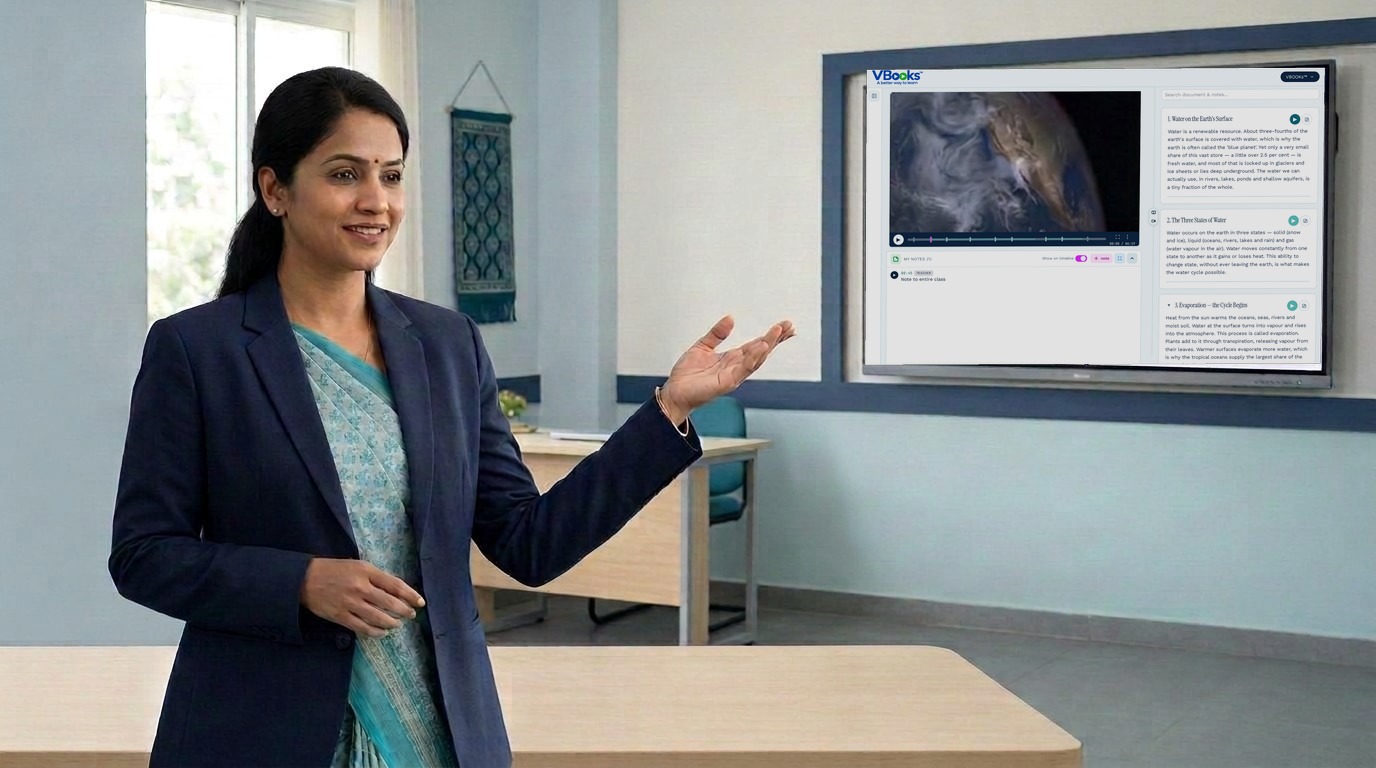
Videos provide clarity, while textbooks provide deeper understanding. VBOOKs™ is a revolutionary product that provides both the benefits by combining two formats into one easily navigable and searchable product. Further users can switch between the formats contextually saving time and effort, while gaining better learning outcomes.
Today learning content is fragmented across printed textbooks, online videos and notes in a notebook. Bring the VBOOKs™ learning platform to your students for an integrated, efficient learning.
No account or setup needed. Try now.
VBOOKs™ Every linear equation has infinitely many solutions
2x + y = 6
Add or subtract equations to eliminate one variable, multiplying by constants to equalize coefficients.
One tool – Many Uses
Understand deeply, remember longer
Better clarity from videos and deeper understanding from text leads to better learning and retention.
Contextual, bidirectional switches between Video & Text
Search for a concept and jump to the video segment that explains it. Use "Contents" to navigate easily.
Hand off devices
Scan the QR to continue on another device at the exact second.
Capture notes contextually
Students can record notes contextually while watching/reading VBOOKs™
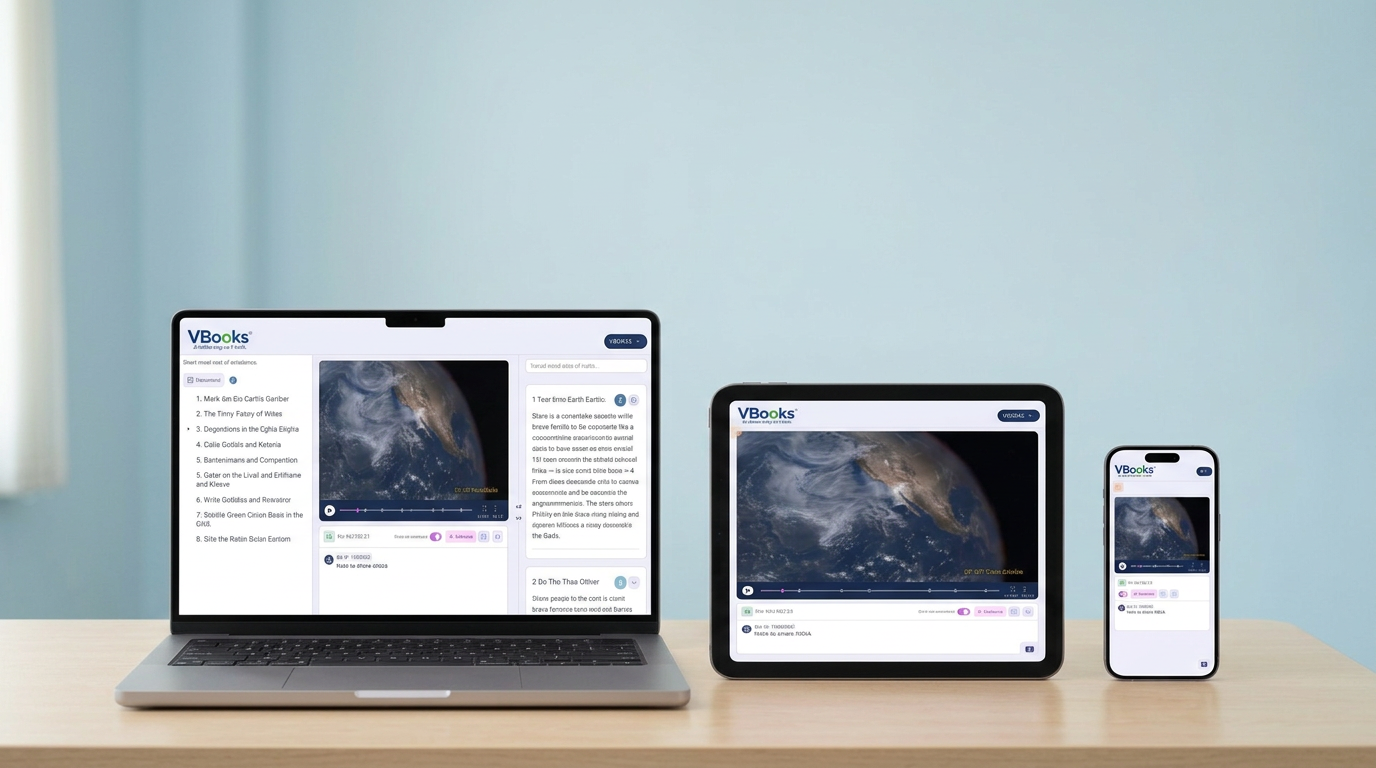
Mobile-friendly
VBOOKs™ works on mobile phones, tablets or desktops.
How it works
Start with a video
Upload a video you want to convert to VBOOK™, e.g. recorded lecture a tutorial, an explainer etc.
Pair it's document
Upload a corresponding one if you have – e.g. lecture notes, textbook chapter, research paper, etc.,. Else create one using the tool.
Link the two
With book-marks such as Chapters and Sections to switch contextually between video and text.
VBOOKs™ Benefits
Many benefits to every user
Students
- Improved comprehension and retention using dual-format content
- Precision search inside videos, text and notes
- Faster revision with contextual switching between video and text
- Quick catch-up of missed lessons reduces knowledge gaps
- Record contextual notes and questions to teachers or class
- Take quizzes with instant scoring to test comprehension
- Learn anywhere, anytime — on any device – mobile, tablet or desktop
Faculty
- Better learning for students with one-time creation effort
- Continuous improvements on VBOOKs™ with zero distribution cost
- Contextual queries to teachers or class, saves time
- More class time for projects and research
- Lower stress through discussions & peer-learning
Institutes
- Digitise teachers’ and students’ knowledge for reuse
- Better results and placements from improved learning
- Scalable, centralised content management
- Discovery, branding through published VBOOKs™
- Additional revenue potential from paid public content
FAQs
Do I need to sign up?+
No. The demo is open. Just click ‘See the demo’ and you're in.
What videos work?+
Any HTML5-playable video. The included demo is a custom-made explainer on simultaneous linear equations.
How does the QR code work?+
Each timestamp generates a fresh QR. Scan it on another device and the video opens, already seeked to the second.
Will it work on my phone?+
Yes. On mobile, tapping a bookmark takes you straight to the player.
Learn better with the power of 2 formats. Try it now.
Demo- 2
- FORMATS
- 1
- TOOL
- ∞
- LEARNING